
Disputing a parking charge: AILawyer guide and video tutorial
Already paid, a broken meter or a displayed parking disc? Learn how to organise evidence and prepare two letters with the new AILawyer parking tool.
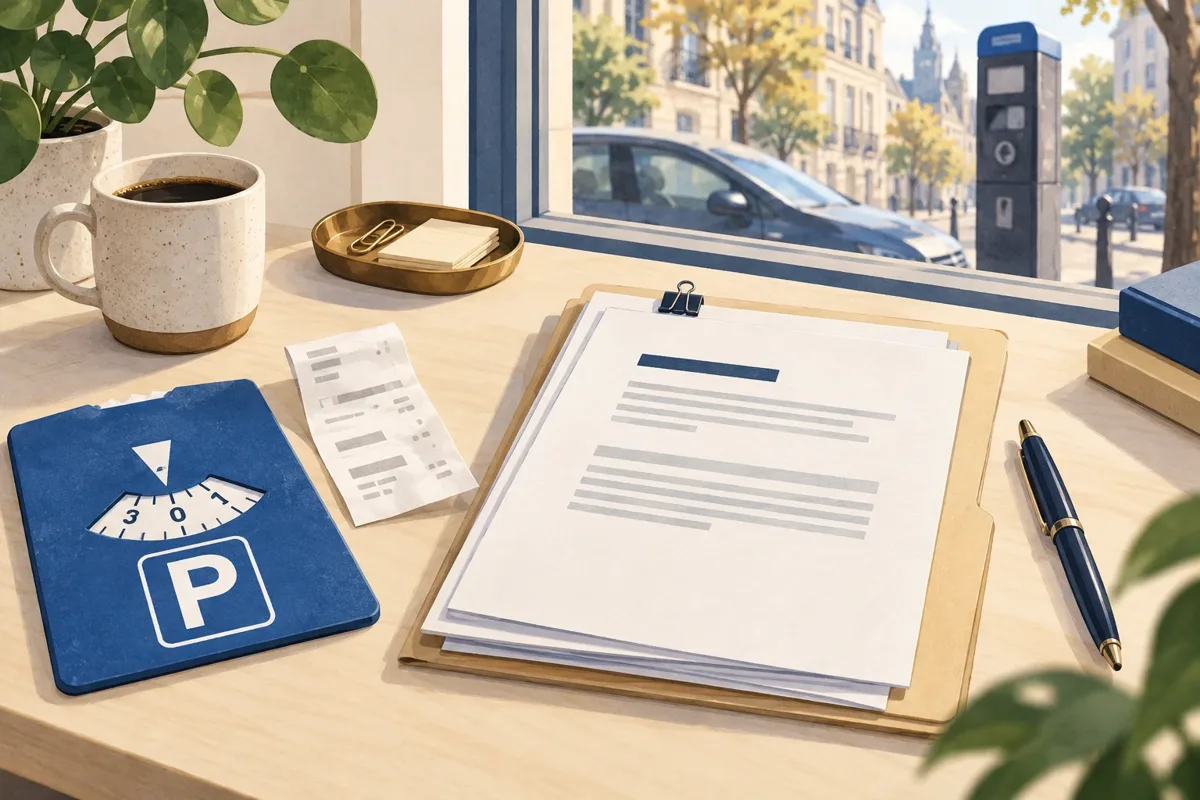
You paid for parking, yet a payment notice arrives. Or you used a parking disc after finding a broken meter. A useful dispute starts with the right document, an accurate timeline and supporting evidence. Our new parking tool helps you put that file together in English, French and Dutch.
Identify the document before choosing a response
What people call a parking fine may be a municipal parking charge, an invoice from a private car park, a municipal administrative sanction or a traffic fine. Record the exact issuer, the stated basis of the demand and the response procedure on the notice. An operator’s name alone does not identify the appropriate route.
AILawyer also asks whether this is an initial notice, a reminder, a bailiff’s demand or a court case. It flags situations requiring a specific procedure. For a police traffic fine, use the traffic-fine tool and check the document’s instructions. A summons or an imminent deadline calls for prompt professional assistance.
Write down the stated deadline and official response channel immediately. This guide cannot supply one deadline for every Belgian car park. Asking for explanations does not automatically extend the deadline or suspend payment or collection.
Gather the information and sign in
Keep the notice beside you: reference, exact issuer, municipality, street or car park, registration plate, amount, parking date and date received. Add the control time if known. Distinguish paying for the parking session from paying the amount demanded by the notice; the questionnaire asks about the latter separately.
Open the AILawyer parking dispute tool. Access to a file requires a verified email address. Choose a temporary email code or email and password. At the time this guide is published, this journey requires neither payment nor a Pro subscription.
Your account lets you retrieve files you choose to save. Never share an access code, and sign out after using a shared device. You can view the other AILawyer tutorials without opening a case.
After signing in, you can add the received notice as a PDF or photo, up to 10 MB. Processing takes place on your device and covers the first three PDF pages. Compare detected fields with the original before using them: letters and numbers in a registration can be confused. Enter the receipt date, grounds and missing information yourself. Recognition does not validate the debt or a legal deadline.
Watch the short tutorial before completing the form
The illustrated, narrated video introduces the four steps: copying the notice, explaining the grounds, listing evidence and reviewing the letters. English captions are available in the player. It is an overview of the workflow rather than an assessment of your legal position.
Pause the tutorial when you want to collect the details for a step. The French and Dutch editions of this article include their own language versions of the video.
Explain the issue and match it to evidence
If you had paid, note the entered plate, parking zone and session start and end. Keep the ticket or app confirmation. Compare those details with the notice. Explain any plate or zone discrepancy honestly: proof that a payment happened does not by itself show which vehicle and parking period it covered.
For a faulty meter, the Federal Police’s guidance of 19 November 2024 recommends photographs of the machine and its position relative to the vehicle. It says that finding a payment app is not mandatory when the meter does not work. Describe the actual fault.
For a blue zone, Article 27 requires a visible, correctly set disc and compliance with the applicable time limit. Signs may specify different conditions. Photograph the disc and signs; merely having a disc somewhere in the car is insufficient.
Select every relevant ground, such as payment, meter failure, disc, permit or control error. Write a short chronology and separate what you saw from what you suspect. If a control photograph is missing, say that it needs to be requested rather than guessing what it shows.
List the evidence and keep the original files
The evidence step offers a checklist tailored to your selected grounds. You may list up to 12 PDF, JPG or PNG files, each no larger than 10 MB. Their names enter the case file, but their contents stay on your device: this module does not upload or analyse them, or embed them in the PDF.
Choose clear filenames such as « payment-session.pdf » or « broken-meter.jpg ». Preserve the originals and avoid unnecessary medical details. You must attach the evidence separately when you send your response. Listing a photograph does not mean the operator has received it.
Entered information and saved case files are held in Turso and accessed after sign-in. Access restrictions do not create absolute confidentiality or a lawyer’s professional privilege. The site’s data notices explain the processing; contact contact@ailawyer.be with questions about your information.
Review the two letters, download and send them
The final step brings together your contact details, recipient, account of events and points to check. After you confirm your statements are accurate, the tool prepares two texts: a draft dispute letter for supported situations and a separate request for supporting records. For a special procedure, the first text may instead be a file request that needs adapting.
The records request concerns information held by the operator that may explain the control. Check that the questions fit your circumstances. Review names, dates, plate, reference, grounds and recipient, then complete the date and signature before using the letter.
You can download the case file, a professional letter for registered post and the texts, and save the case in your account. A downloadable .eml email includes the PDF letter. For selected verified official addresses, AILawyer also offers an informational copy sent through Resend, after preview and explicit authorisation. Replies go to your account email. This copy does not replace a required form, registered letter or other formalities and does not automatically suspend deadlines. Original evidence files are not attached to this email.
For registered post, print and sign the letter, add copies of supporting evidence and check the address. Pay postage and lodge it with bpost. Keep a complete copy and proof of posting; acknowledgement of receipt is a separate option. AILawyer prepares the document but does not buy or lodge registered post. You may request amicable reimbursement of actual, evidenced costs if an attributable error by the operator made the submission necessary. Reimbursement is not automatic; do not deduct these costs from the parking charge.
This guide presents a feature of our own service. It was prepared with AI assistance and reviewed by the AILawyer team; it does not claim lawyer approval. The journey helps make your facts and requests understandable. The competent recipient, or a court if a dispute reaches it, decides the outcome and any cancellation.
Sources and references
General information. Application to a matter depends on its facts and the rules in force.